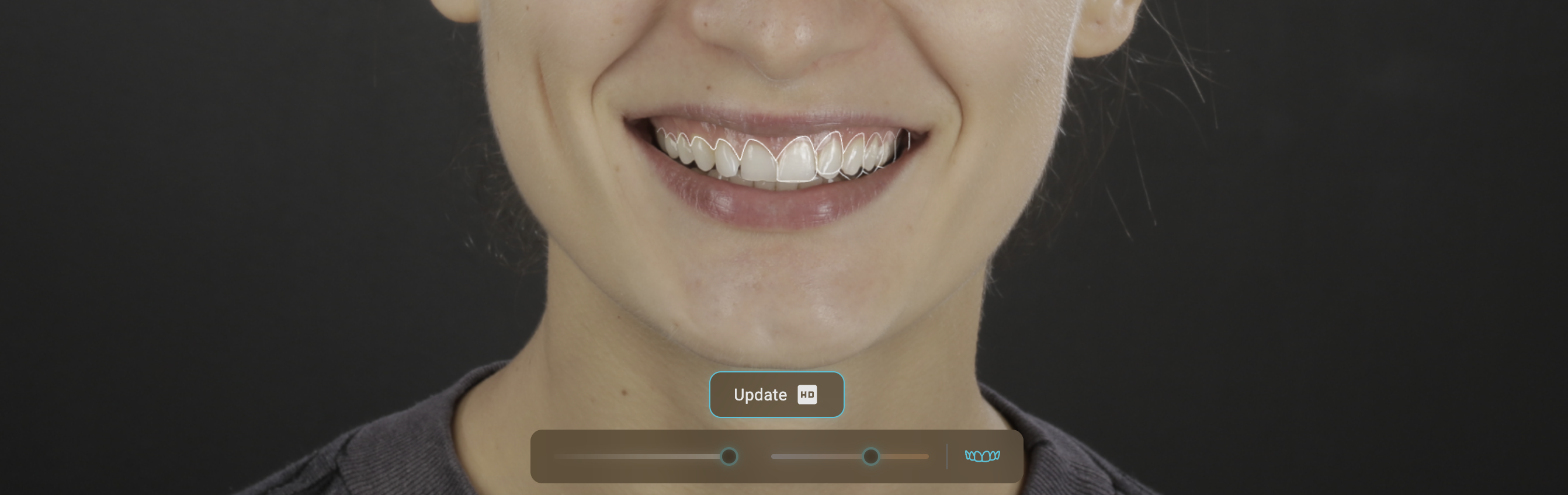
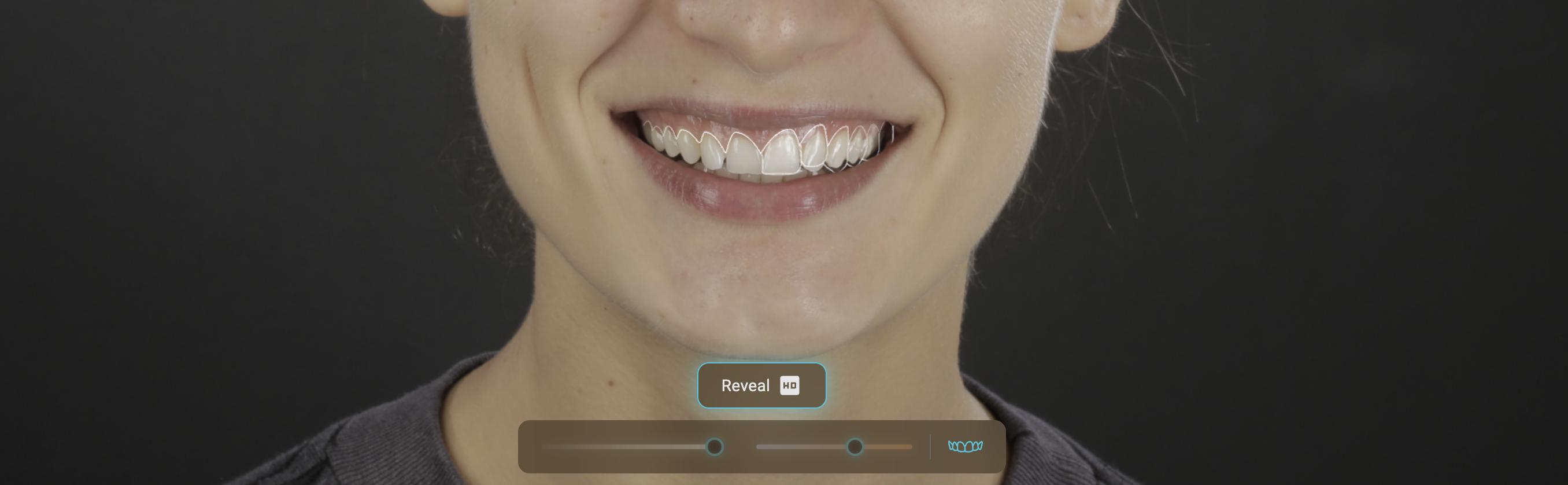
Design NOW
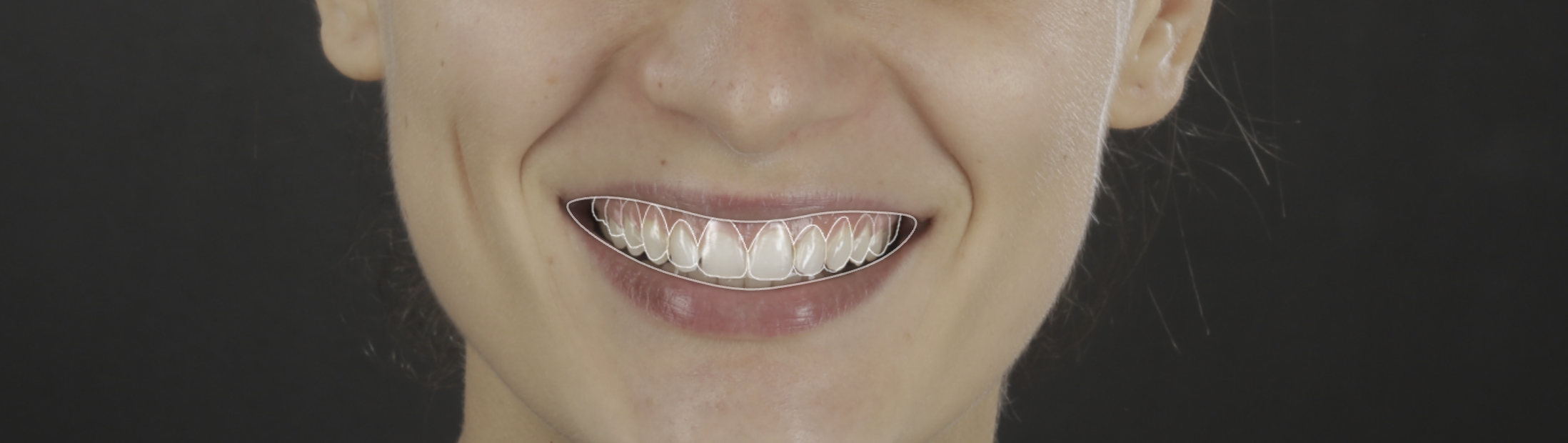
It’s time to bring a little of that excitement into your daily work: Design NOW allows you to create selective designs and simulate using the new HD - Geometrically Constrained Rendering across Blueprint, Signature, and Smile Design
Here is a quick overview of the functionalities:
Available as a new project type under the +New Project tab

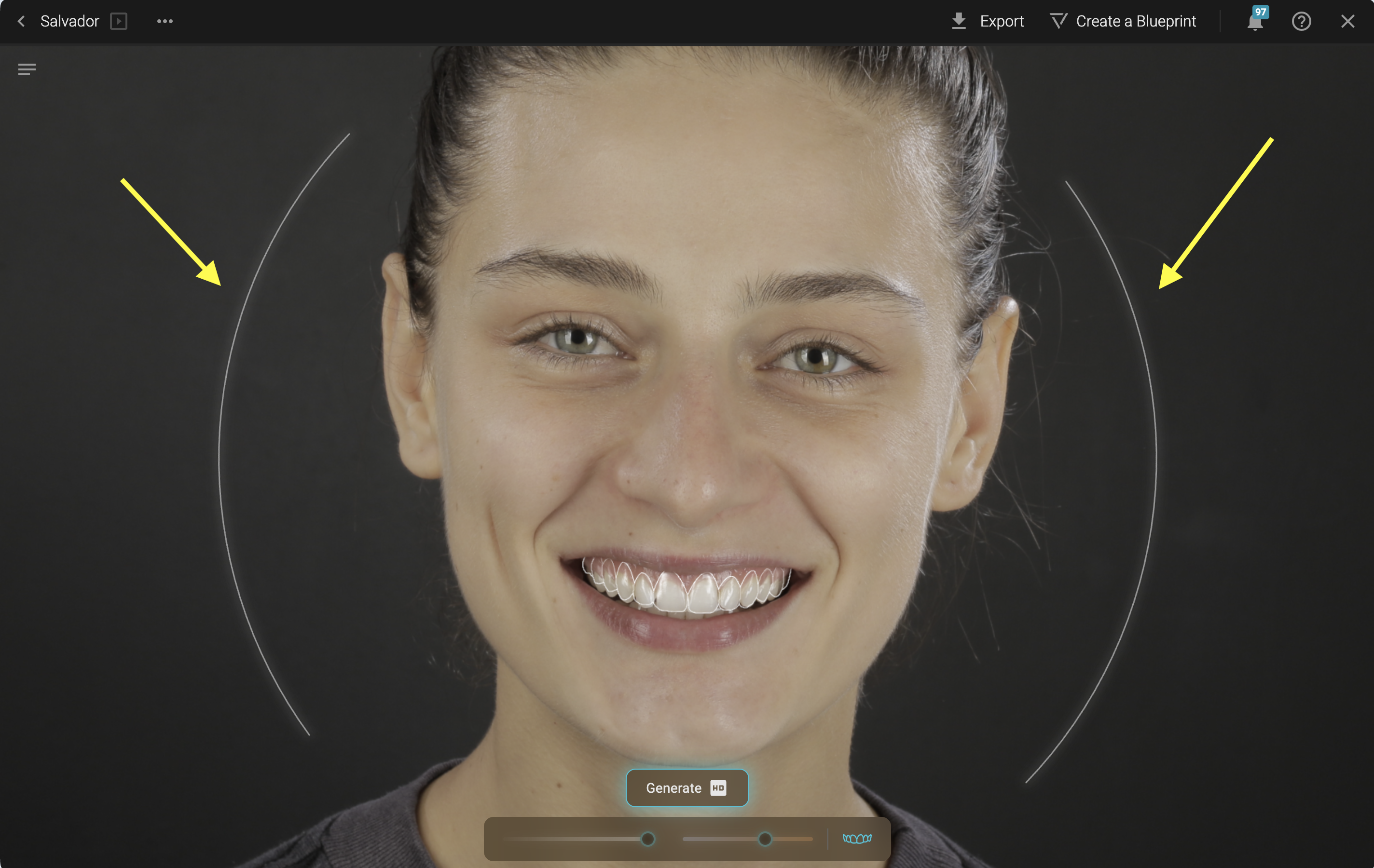
Adjust portrait -> Hover the mouse over the sides of the face and click on the arches
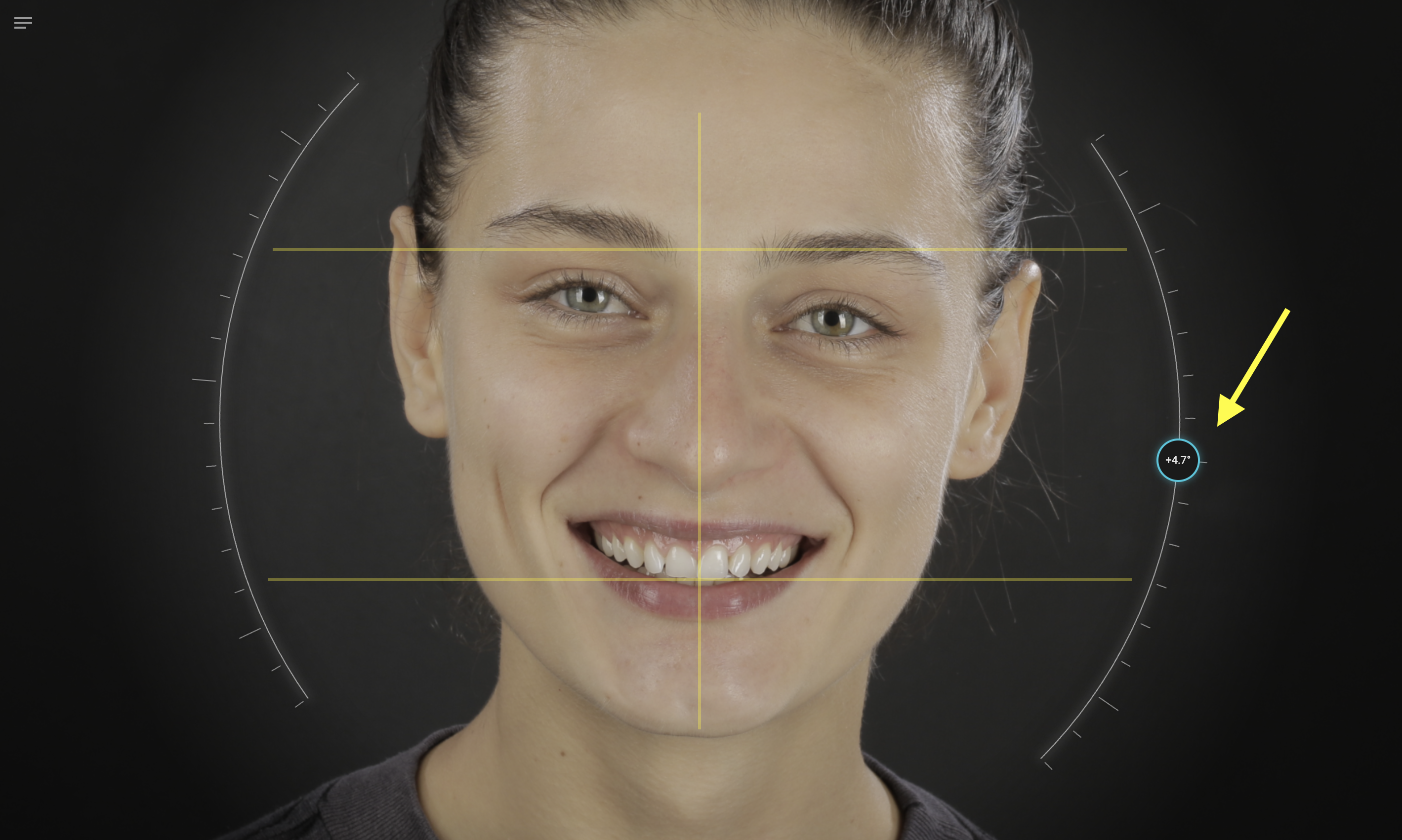
- Adjust as needed:
Edit lip contour -> Hover the mouse over the lip -> click on the contour and move points.
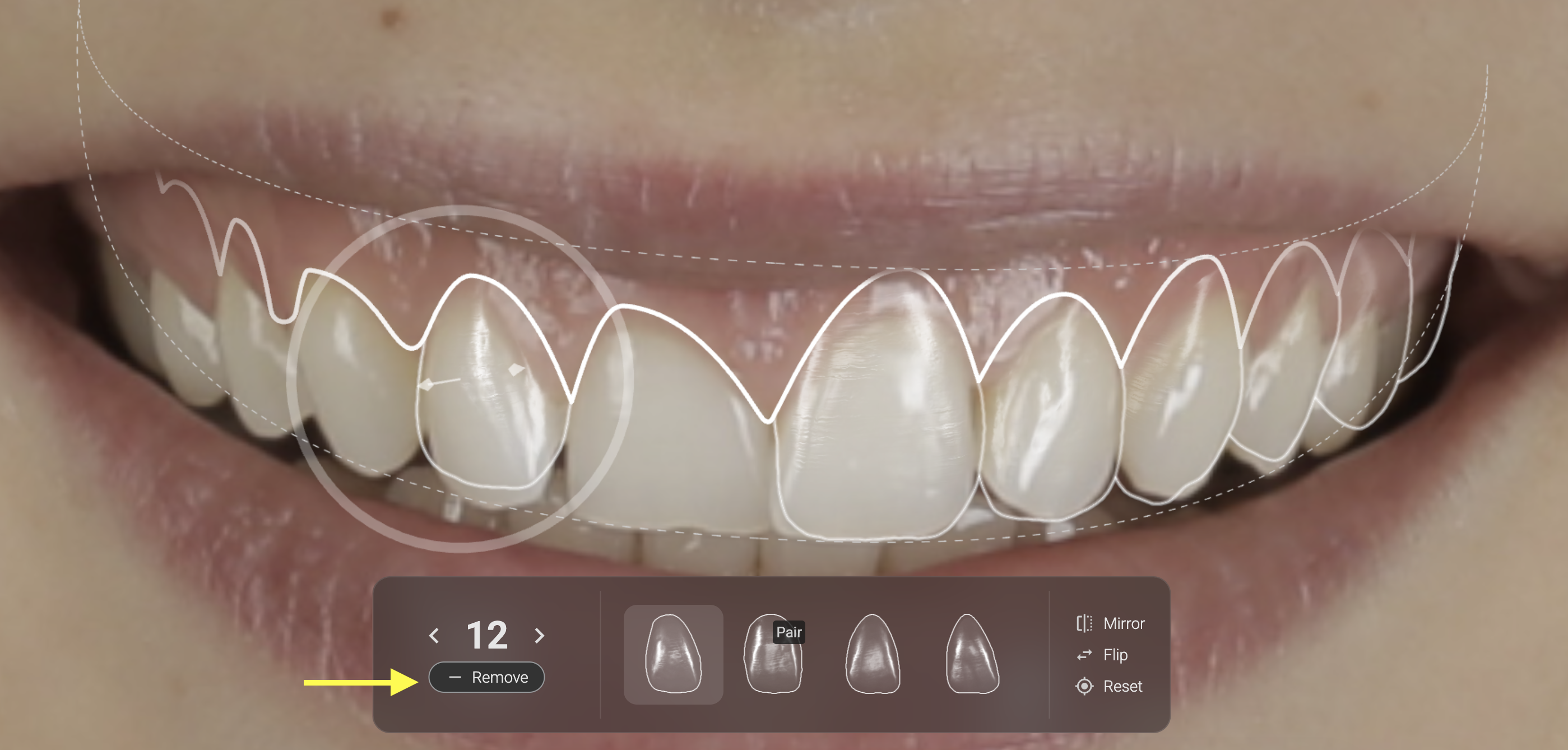
Selective design - Click on the tooth you don't want to change and then remove it from your design.
- When removing teeth from the design, you can still simulate gingival changes by moving the zenith point.
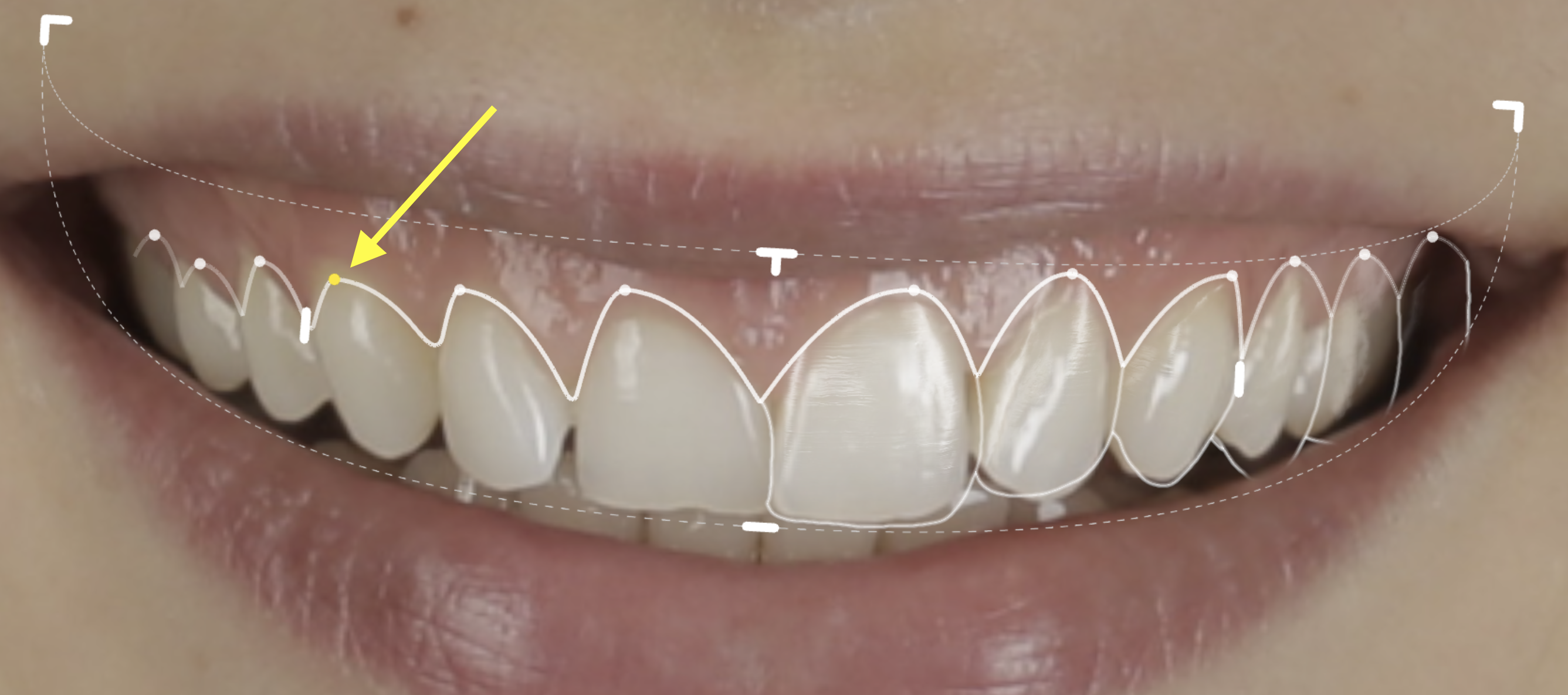
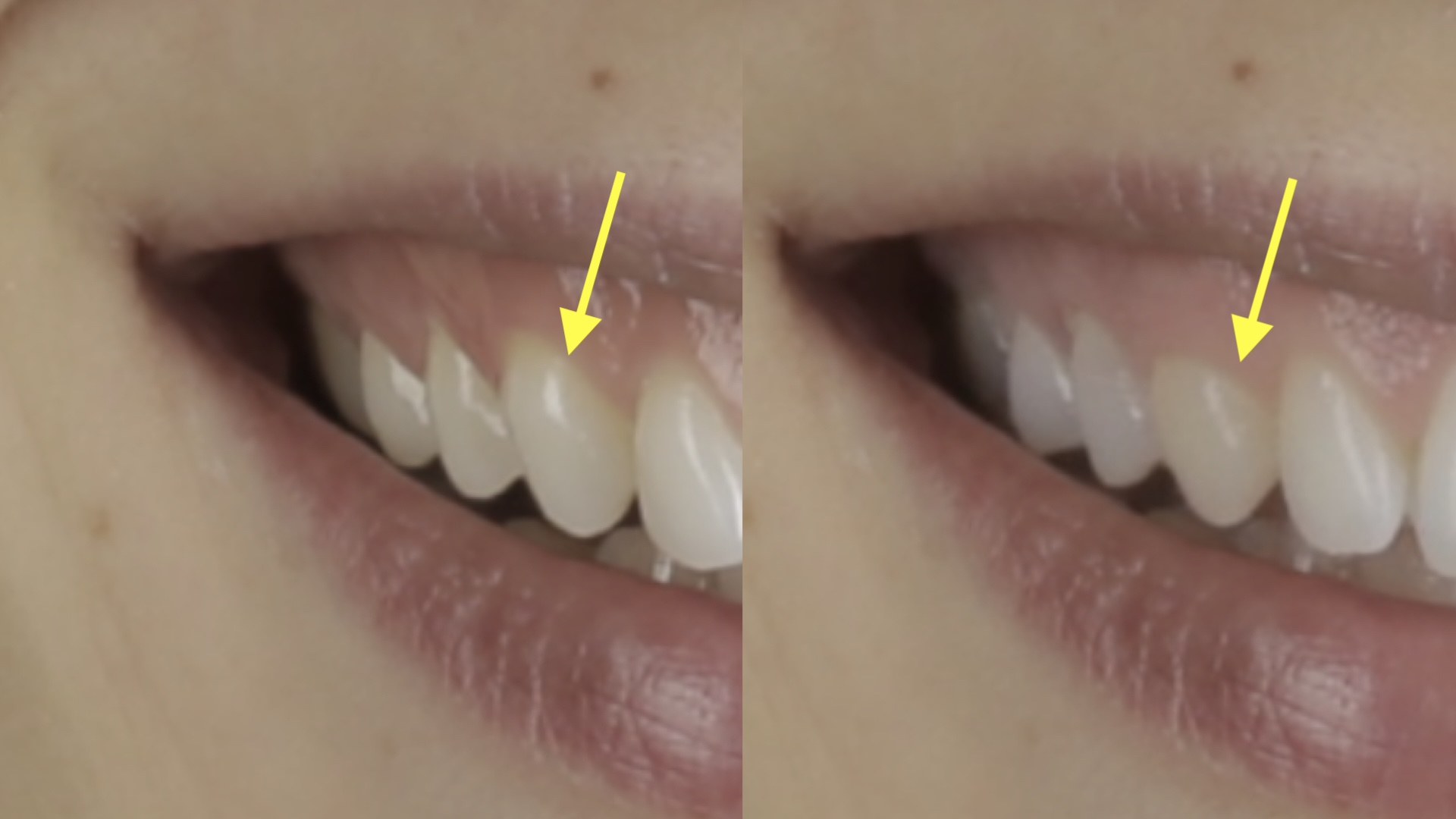
Smart Guidelines. When moving zenith points or papilla points, the auto-detection will give you a guideline with the corresponding reference from the contralateral tooth. When points are aligned, the guideline becomes yellow.
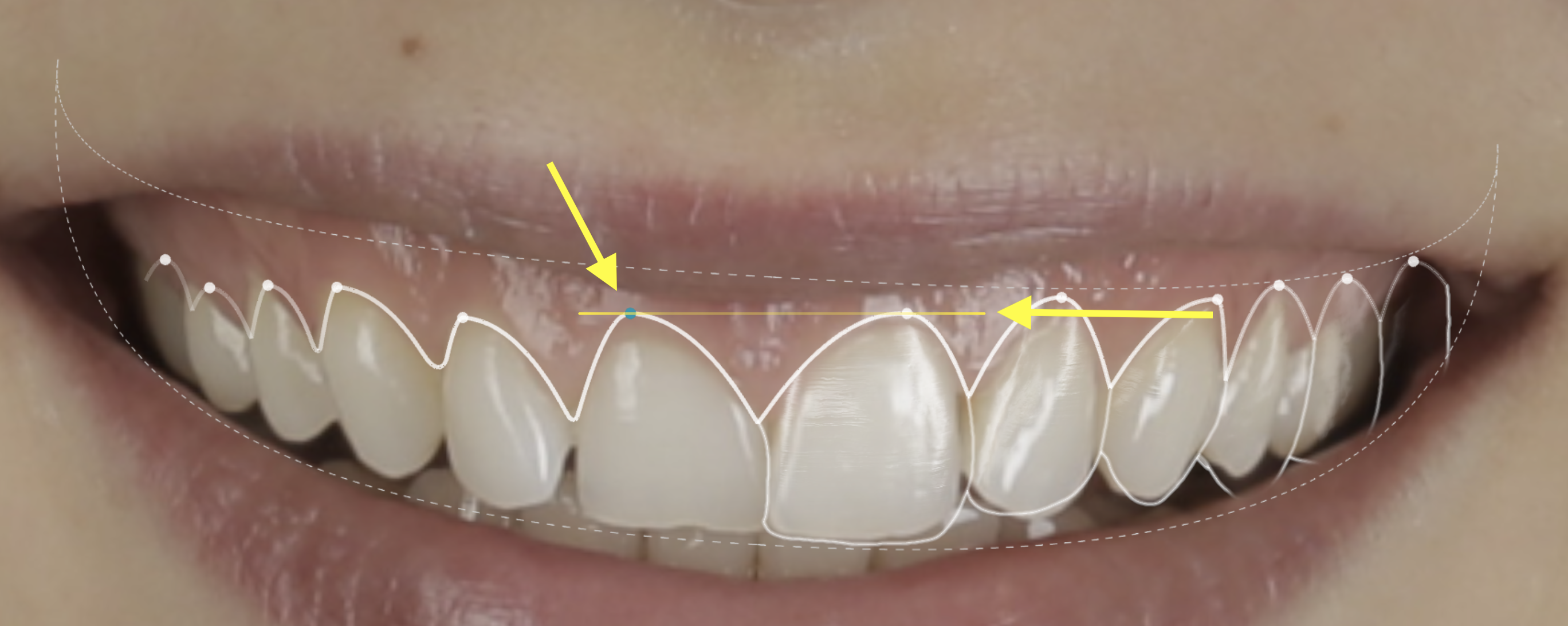
Granular adjustments
- Adjust zenith points. When moving the point, the search is triggered in real time.
To skip shape search but still move the papilla point, press ALT or Option key while moving the point with the mouse.
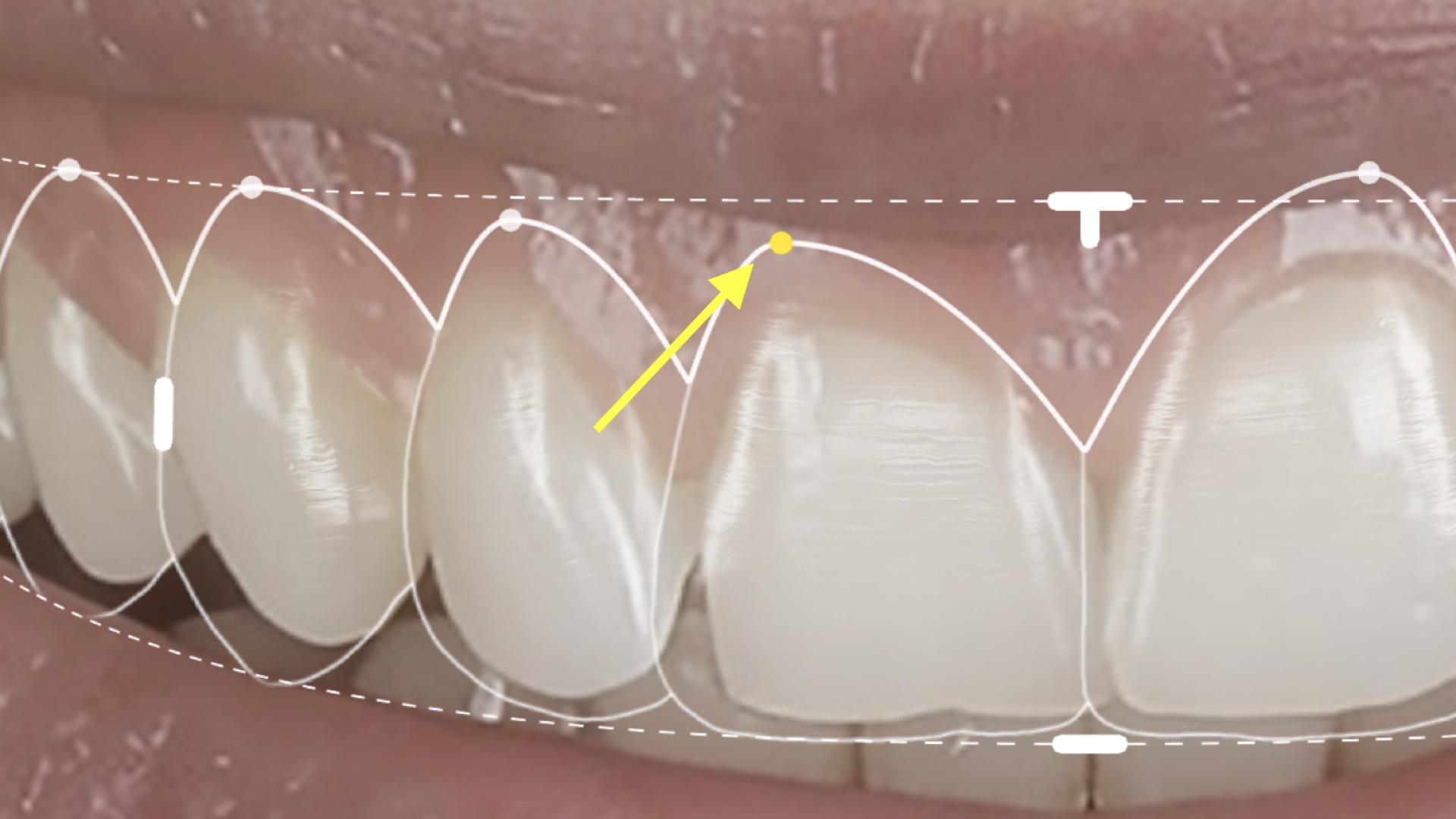
Adjust Papillae points - detected automatically but can be adjusted manually. When moving the point, the search is triggered in real time.
To skip shape search but still move the papilla point, press ALT or Option key while moving the point with the mouse.
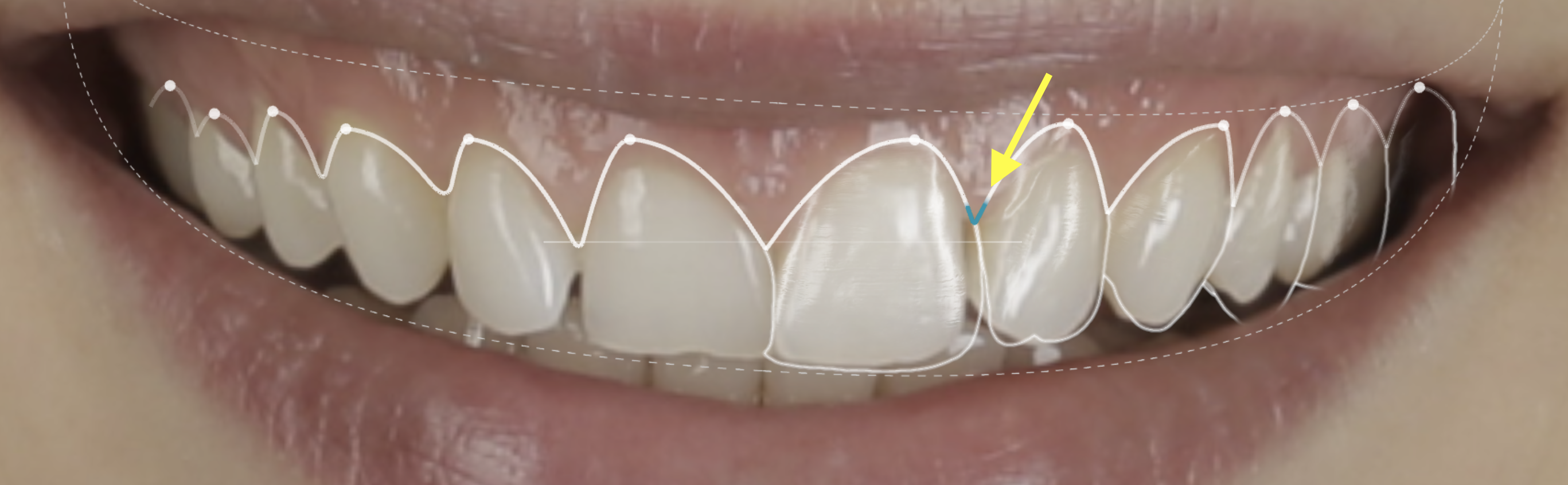
- Individual tooth proportions - edit by dragging the incisal marker line. This initiates the search and proposal of new shapes.
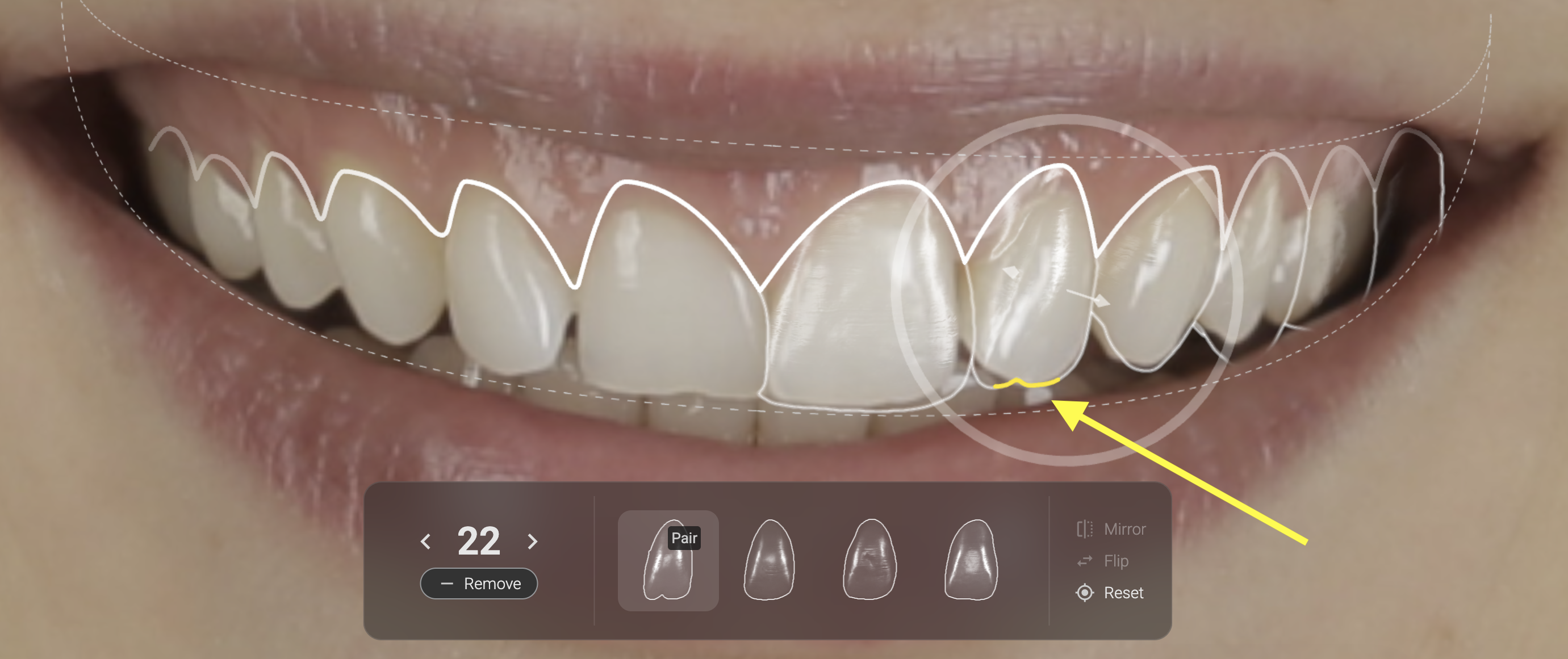
- Shape position. The circle allows movement of the tooth on the rotation axis. The 3D Simulator - shows space and shape overlay in 3D
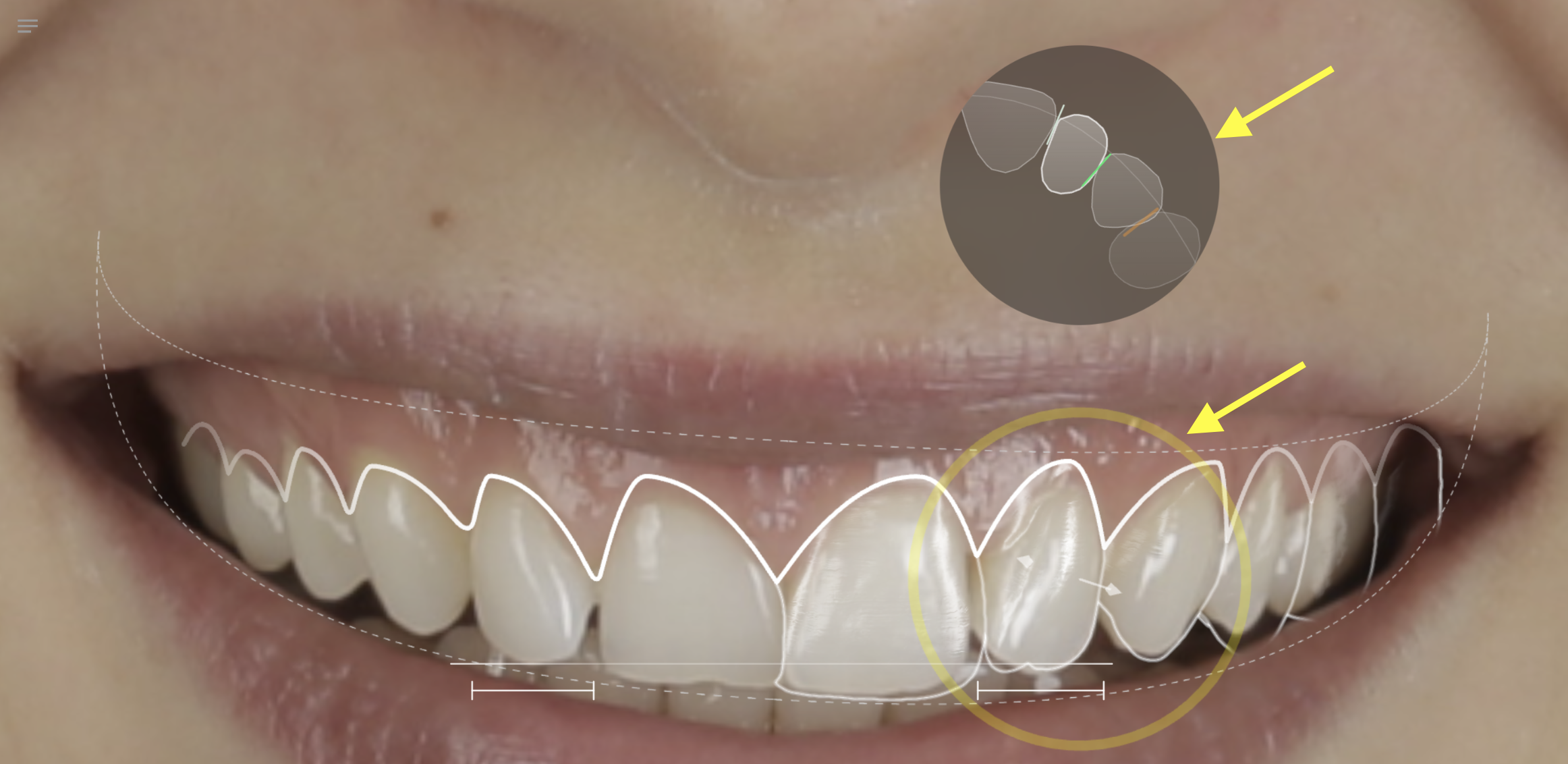
- Shape Scaling - hold the Alt or Option key on your keyboard and drag from the incisal marked area.
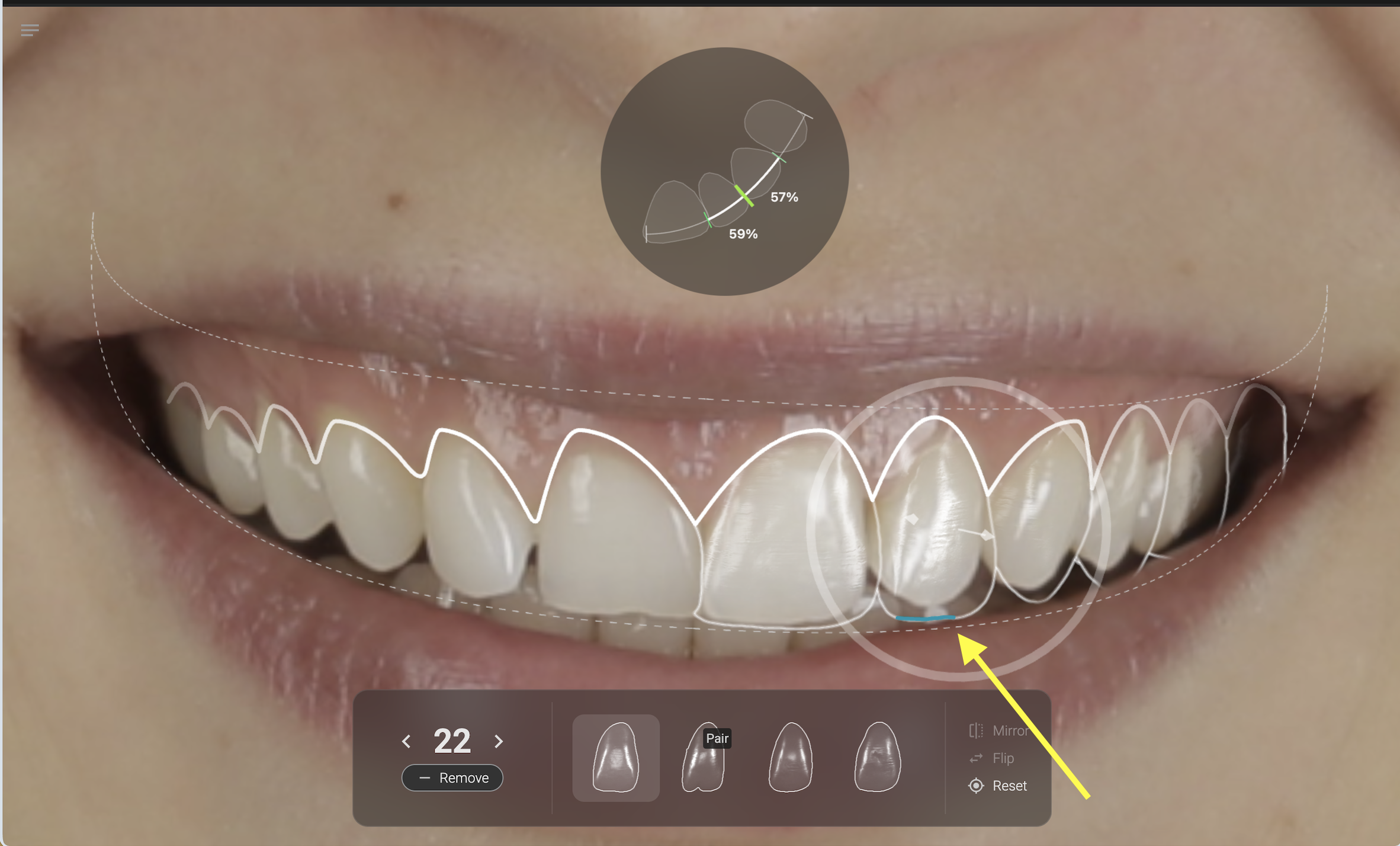
HD Update - when your design is ready, simulate it on the portrait and Reveal.